

Apple Accessibility Features for OT Intervention
Workshop Duration: 2 x 1.5 hours
Cost: $180.00
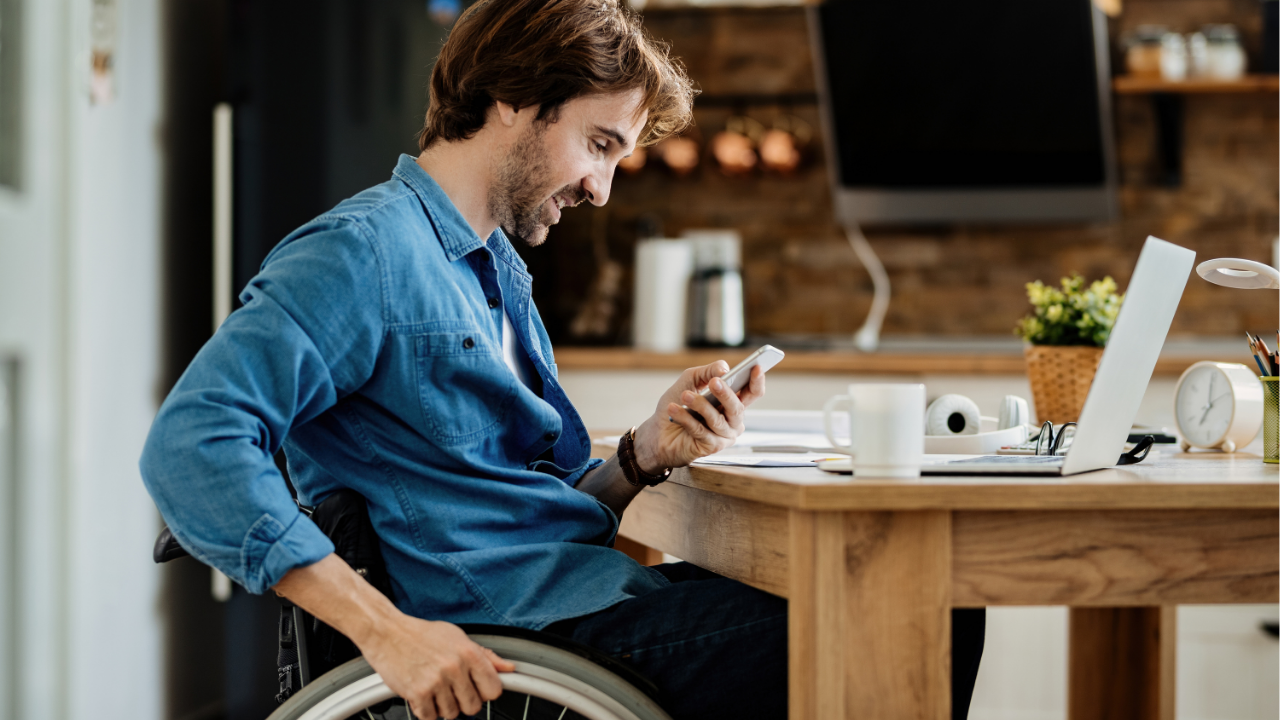
Do you find it hard to match Apple accessibility settings to each person’s needs?
Are you unsure which features best support vision, literacy or motor access difficulties?
This session builds confidence using built-in tools so iPhones and iPads can be customised for safe, easier and more purposeful participation.
Purchase this workshopWhat will you learn?
Across both workshops, you’ll gain hands-on knowledge and skills to:
- Understand iOS basics and how to confidently navigate Apple devices
- Use magnification and screen reading tools for participants with low vision
- Customise display and text settings to improve readability and reduce sensory overload
- Apply reading and writing supports such as Speak Screen, Dictation and Live Text
- Set up restrictions and Guided Access to reduce distractions and promote focus
- Enable AssistiveTouch, Voice Control and Switch Control for hands-free or modified access
- Use touch accommodations and pointer devices to support fine motor challenges
- Explore alternative input methods including styluses, switches and head tracking
- Integrate physical access settings into everyday therapy and functional goals
Who is this workshop for?
This workshop is designed for:
- Occupational Therapists working with NDIS participants of any age
- OTs seeking practical, tech-based solutions for accessibility and independence
- Clinicians across paediatrics, disability, mental health and aged care settings
- Teams or services aiming to build capacity in using everyday devices as assistive tools
Whether you’re new to assistive tech or keen to deepen your understanding, this series offers practical, OT-focused training.
Why attend?
In this workshop, you will:
- Discover accessible tools already built into iPads and iPhones
- Build confidence in tailoring device features to client needs
- Learn from real-world OT applications and demonstrations
- Walk away with a toolkit of strategies to enhance participation
- Get both sessions in one purchase – available on demand, anytime
What's included?
- Gain online access to the workshop – live workshops are delivered via Zoom, while self-paced options include access to recorded sessions
- Download workshop slides and any resources provided by the presenter
- Enjoy six months of access to the recording and resources via your Verve OT Learning Library
- Receive a certificate of completion for your CPD records, available via email upon completion of the workshop
Terms of purchase
Please note that each workshop purchase provides access for one person only. If you would like multiple team members to access this workshop, each person must purchase the workshop seperately.
Beginner Level
The content of this workshop is suitable for therapists who are new to the topic area and require foundational knowledge.
The workshop assumes little or no prior experience and focuses on core concepts, terminology, frameworks and practical introductory skills.
Considering more than one workshop?
Add them all to your cart and finalise your purchase in one easy step

About the Presenter
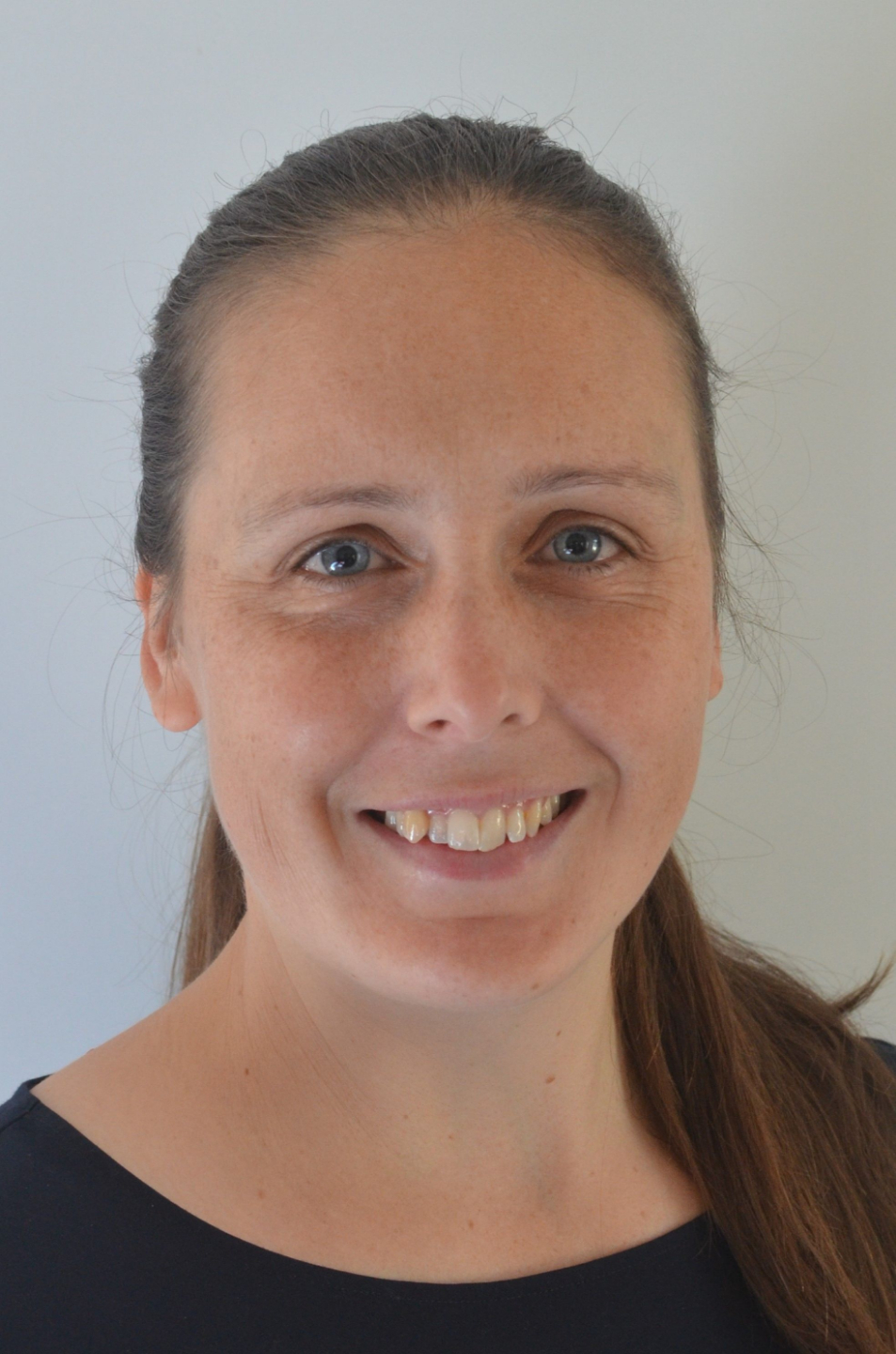
Bronwyn Simpson is an Occupational Therapist with 15 years experience in rehabilitation and assistive technology, with a particular expertise in electronic assistive technology.
Bronwyn teaches Occupational Therapy students these topics at the University of Sydney, where she is Associate Lecturer.
Bronwyn is also a researcher in the areas of well-being and disability, disability-inclusive disaster risk reduction and peer support.
Sign up todayWhat Are Others Saying?

"I really enjoyed the presentation and the practical nature of the workshop. I think the integration of the videos demonstrating the features was helpful to step through the process. I think it would greatly benefit OTs to be be accustomed with some of the features that are readiliy availible on everyday products to potentially mitigate the need for or complement other AT"
Jack B, Occupational Therapist

"This workshop was a great overview of what is possible within the existing settings of iOS devices. A few tweaks of the settings could be all it takes to enable someone to remain connected with news or engage in correspondence with friends/family/the wider community"
Simone C, Occupational Therapist
Frequently Asked Questions
What do I need to attend a workshop?
How long do I have access to a recording of a workshop?
Will I receive a certificate of completion?
Do I need a Verve OT Learning login?
Verve OT Learning Workshop Categories

Beginner
Suitable for therapists who are new to the topic area and require foundational knowledge.
The workshop assumes little or no prior experience and focuses on core concepts, terminology, frameworks and practical introductory skills.

Intermediate
Suitable for therapists who already have a basic understanding of the topic and some practical experience applying it in clinical practice.
The workshop builds on foundational knowledge and explores more detailed reasoning, application and problem-solving.

Advanced
Suitable for experienced therapists who are already working in this area regularly.
The workshop assumes strong foundational knowledge and focuses on complex clinical reasoning, nuanced decision-making, advanced application and higher-level practice considerations.

All levels
Suitable for therapists across a range of experience levels.
While some concepts may be more familiar to experienced clinicians, the content is designed to be accessible and valuable regardless of prior knowledge.
